Allure Reporting#
Allure is a powerful test reporting framework. It is fully compatible with PHPUnit and Codeception. This means that each type of test available in Magento 2 can be visualized.
Configuration#
To enable Allure in your project environment, add to your .env file:
REWARD_ALLURE=true
As a result both php-fpm and php-debug containers get additional mount /var/allure-results where the Test results
should be saved.
PHPUnit Reports#
To visualize your PHPUnit Tests results (Unit, Integration, API functional, Static) in Allure, you need to
edit phpunit.xml file and find <listeners> section. If you
have <listener class="Yandex\Allure\Adapter\AllureAdapter"> node, just change the path where logs are
saved: <string>/var/allure-results</string> (please notice leading /).
    <listeners>
        <listener class="Magento\TestFramework\Event\PhpUnit"/>
        <listener class="Yandex\Allure\Adapter\AllureAdapter">
            <arguments>
                <string>/var/allure-results</string>
            </arguments>
        </listener>
    </listeners>
Codeception Reports#
Adjusting Codeception reports path is a little more complicated. Please find the dev/tests/acceptance/codeception.yml
file, under Magento\FunctionalTestingFramework\Allure\Adapter\MagentoAllureAdapter you’ll find outputDirectory.
Change its value to /var/allure-results.
extensions:
    config:
        Magento\FunctionalTestingFramework\Allure\Adapter\MagentoAllureAdapter:
            deletePreviousResults: false
            outputDirectory: /var/allure-results
Web Interface#
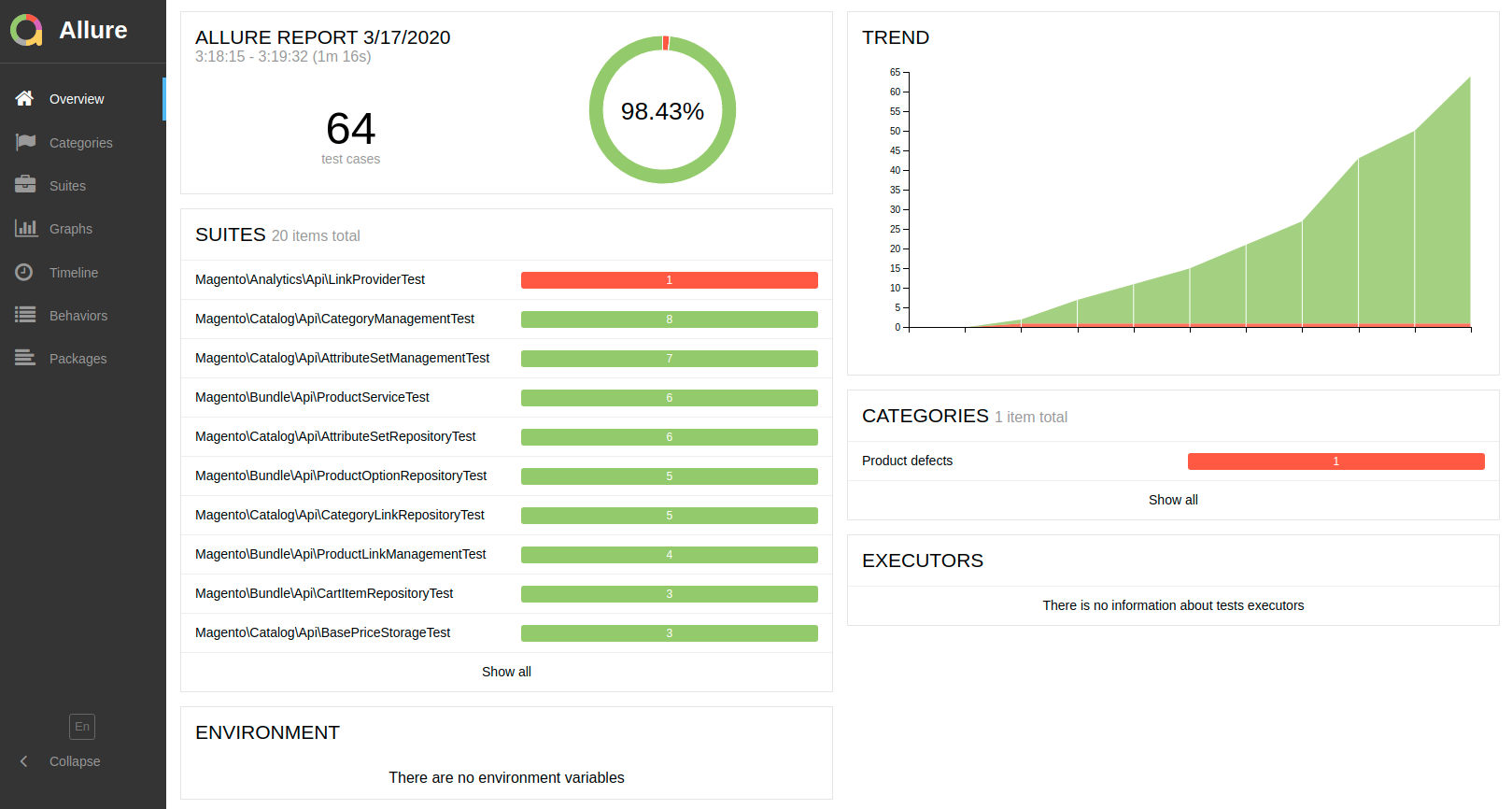
Allure reports are available with your Web Browser on allure subdomain (e.g. https://allure.magento2.test/). Reports
are generated with 5 seconds interval.